



Online authentication – simple, quick and secure
Identification can also be easy – with digital identification procedures of your Sparkasse. Identity verification is mandatory for numerous banking transactions and contract conclusions, such as opening a current account. What was previously often time-consuming and annoying can now be done from the comfort of your own home or on the go.
Now you can authenticate yourself easily, quickly and securely online.
With the eID service
Identify electronically with the eID
With your German ID card, electronic residence permit or eID card with activated online identification function, you can securely confirm your identity online.
Identification takes place via your smartphone and an app. You will be guided through the process step by step. This usually takes around 2 - 3 minutes and is completely free of charge for you.
Your advantages
- Available 24/7
- without waiting time
- usable from anywhere
- safe and easy
- completely digital
Effective protection for your data
Four security mechanisms reliably protect your personal data:
- Only those who have your identification document and know your personal identification number (PIN) can use the online ID.
- Your data will only be transmitted when the identification document is connected to the smartphone and only after the PIN has been entered.
- The person you identify yourself to must have a valid government certificate for querying the data.
- The data is only transmitted in encrypted form.
This is what you need to identify yourself online with your smartphone
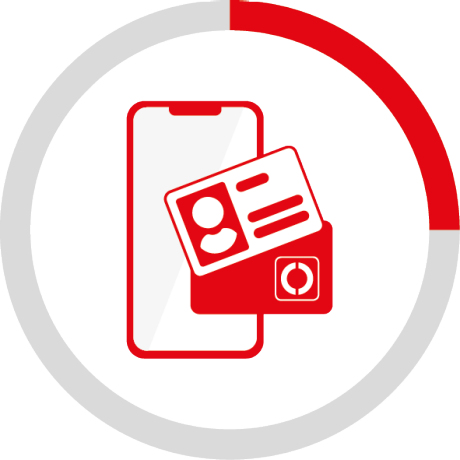
Activated online ID
The online identification function of your identity card or electronic residence permit must be activated. This is automatically the case with the eID card and all ID cards issued after July 2017.
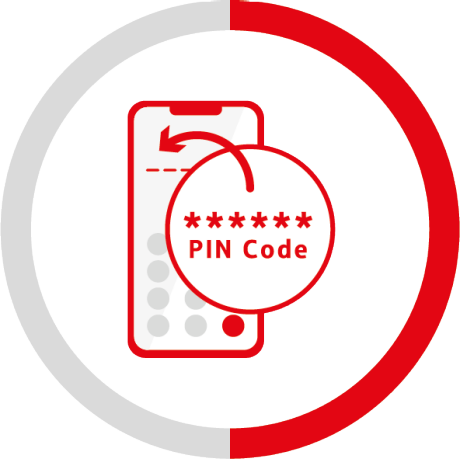
Self-selected, six-digit ID PIN
You must know your chosen six-digit PIN or have your transport PIN available. You must change the transport PIN to a six-digit PIN of your choice before using the online ID function for the first time.
Don't know your ID PIN? Please contact your local authority to obtain a new ID PIN.
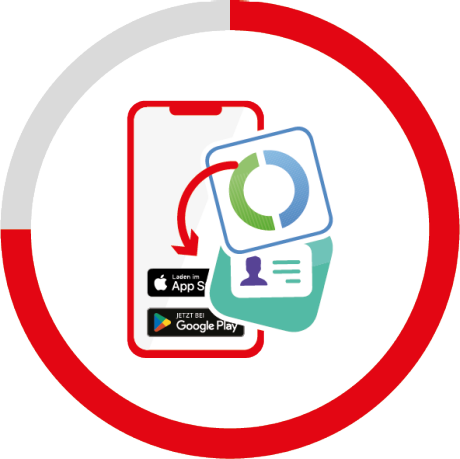
Installed app to read the eID
To authenticate yourself via eID with your smartphone, you need either the ID card app or the AUTHADA app, depending on the business transaction. During the process, you will automatically be offered the app to use for download. You can then read out your ID card data electronically using the relevant app and your smartphone.
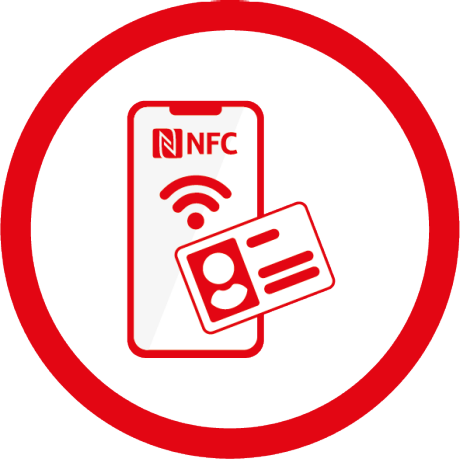
NFC-enabled smartphone
In order to be able to identify yourself online, you must read your activated online ID card with a suitable, NFC-enabled smartphone.
In order to carry out identification, you need the German identity card (credit card format), an electronic residence permit or the EU citizen card and the associated secret PIN. The online ID function must be activated for the ID card used.
The transport PIN is a five-digit PIN. You will receive this by post after you have applied for a new identity card, residence permit or eID card. This is a five-digit number sequence that you must change to a six-digit PIN of your choice before using the online ID function for the first time. You can do this in the Identity Card app under “Change my (transport) PIN”.
The six-digit PIN is a sequence of numbers that you assign yourself and that protects your data from misuse. Because you have to enter the six-digit PIN every time you want to identify yourself digitally with your ID.
The German identity card in credit card format has been issued since November 1, 2010. If you have already assigned a PIN at the Citizens' Office or received a PIN letter in the post, your ID is ready for online use.
If this is not the case, please contact your responsible authority to activate the online ID function free of charge.
For successful identification you need your six-digit PIN. If you have forgotten your PIN, please contact your local authority. There you can set a new PIN.
NFC stands for Near Field Communication and is an international transmission standard for the wireless exchange of data over short distances. The identity card and the electronic residence permit contain an NFC chip on which your data is stored. Your NFC-enabled device serves as a reading device and transmits the data to a responsible testing center via an encrypted channel. On most devices, the NFC interface is located on the back in the middle to upper area.
First, make sure that NFC is activated in your device and remove any protective case. On most devices, the NFC interface is located on the back in the middle (Android devices) or top (iOS devices) area. First, try holding the ID document upright against the back of your device so that the ID card and smartphone touch, and make sure that the ID card is held absolutely still. If the device does not respond, try holding the ID document straight against the back. If there is no response after a few seconds, briefly remove the ID document from the back of the device and hold the card against it again. To find out the optimal position for reading the ID card, try out different positions in small steps.
If the device still does not respond, please check your user manual to find out exactly where the NFC interface is located.
With video identification
Personal authentication via video chat
An identification specialist will accompany you personally through the entire identification process in just a few minutes via a video connection.
All you need is your valid identification document and a smartphone or tablet with the IDnow online identification app installed.
Your advantages
- usable from anywhere
- safe and easy
- ID cards and passports from numerous countries are supported
- personal contact with identification specialists
Tips for getting things done quickly
To ensure identification as easy as possible, please note the following information:
- Have your ID card or passport ready and check whether it is still valid.
- Install the IDnow online identification app on your smartphone or tablet.
- Go to a quiet and well-lit place.
- Make sure you have a stable internet connection and sufficient battery charge.
- Make sure there are no personal items (e.g. family photos) in the background.
After you have installed the IDnow Online-Ident app and started the process, identification takes place via video chat between you and an employee of S-Markt & Mehrwert GmbH & Co. KG. The conversation lasts around five to eight minutes. During the video connection, the employee asks you to hold your ID document up to the camera and tilt it to see data and security features. Your conversation partner checks the data and saves photos. The entire video chat is recorded (audio and visual). Finally, you will receive an identification code via SMS on your mobile phone.
For identification via Video-Ident you only need:
- a valid identification document
- a smartphone or tablet with the IDnow online identification app installed
- Mobile phone for receiving an SMS
To use Video-Ident you need a valid ID card or passport issued in your name. A variety of modern identification documents are supported.
You can use Video-Ident during the following service times:
Mon-Fri: 8:00 a.m. - 10:30 p.m
Sat/Sun/Holidays: 10:00 a.m. - 10:00 p.m
For the technical implementation of video identification, S-Markt & Mehrwert GmbH & Co. KG cooperates with the IT system provider IDnow GmbH, Auenstraße 100, 80469 Munich. IDnow relies on the highest technical security standards. S-Markt & Mehrwert GmbH & Co. KG only uses employees who have been specially trained in accordance with legal requirements for identification.
All data is encrypted multiple times and always transmitted securely. Storage takes place exclusively in highly secure bank data centers within Germany.
We, your Sparkasse, use cookies that are essential to providing access to our website. If you consent to the use of cookies, we will use additional, non-essential cookies in order to process information on your use of our website for analytical (e.g. to measure reach) and marketing purposes (e.g. to personalise content). As part of this, Google may also provide us with additional data. We also use cookies to assign visitors to specific target groups and provide these target groups to Google for advertising campaigns. For more detailed information about these cookies, please see our Privacy Statement. Cookie consent is optional and not required in order to use this website. To select the kind of additional cookies you are happy for us to use, please click on “Change settings”. You can also consent to the use of all additional cookies by clicking on “Agree”. You can withdraw your consent at any time or change your cookie settings by clicking on the “Change cookie settings” link at the bottom of each page. If you click on “Decline”, we will not use any additional cookies.